First run
IntuneCommander runs as two processes: the sidecar (the engine) and the client (the window you
use). Always start the sidecar first — the client talks to it over http://127.0.0.1:5099.
-
Start the sidecar. It listens on
http://127.0.0.1:5099.Terminal window dotnet run --project service/Api -
Launch the client in a second terminal.
Terminal window ./target/debug/app.exe -
Confirm they’re talking. The status bar shows Sidecar: running. You can also check the sidecar’s health endpoint directly:
Terminal window curl http://127.0.0.1:5099/healthA
200response means the sidecar is up and reports its current auth state.
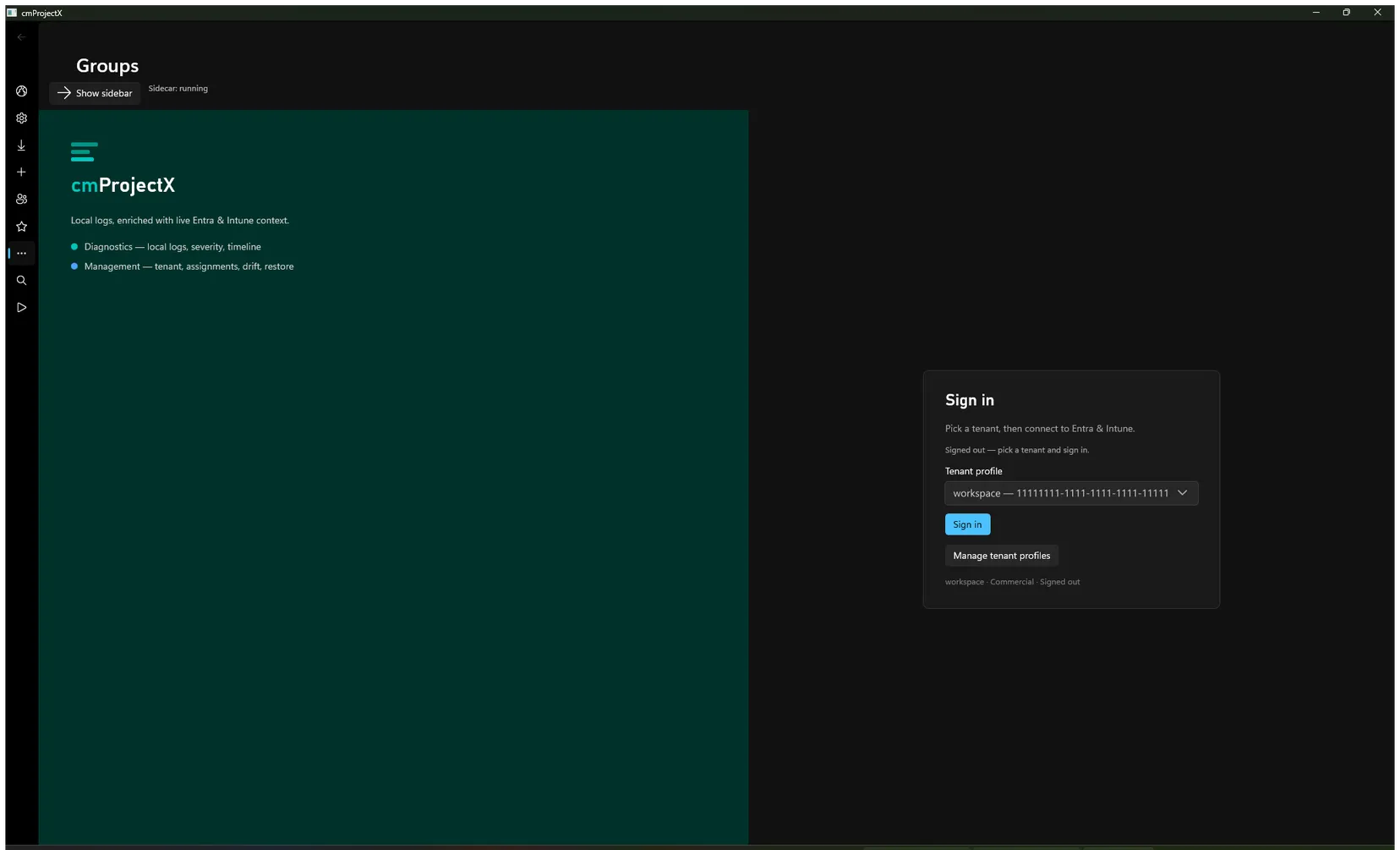
When the client opens you’ll be signed out and see the Sign in card. That’s expected — nothing is connected to a tenant yet.
Next: Sign in to your tenant →