Diagnostics
Live-tail Intune logs, dsregcmd, Sysmon, the Windows Event Log, Secure Boot, and a
Windows/Intune error-code database — correlated on one timeline.

IntuneCommander is a Windows-native desktop tool that unifies local diagnostics (cmtrace heritage) with Entra & Intune management (IntuneCommander heritage) — and pulls cloud context down onto the endpoint, so every log line carries its tenant reality. You stop alt-tabbing between a log viewer and the portal; the answer is on the line.
Diagnostics
Live-tail Intune logs, dsregcmd, Sysmon, the Windows Event Log, Secure Boot, and a
Windows/Intune error-code database — correlated on one timeline.
Management
List, view, and safely edit Intune & Entra surfaces. Every write is diff-previewed, confirmed, and snapshotted first.
Time-machine
An append-only audit, drift detection, full-text search, and point-in-time restore — roll any change back to a past snapshot.
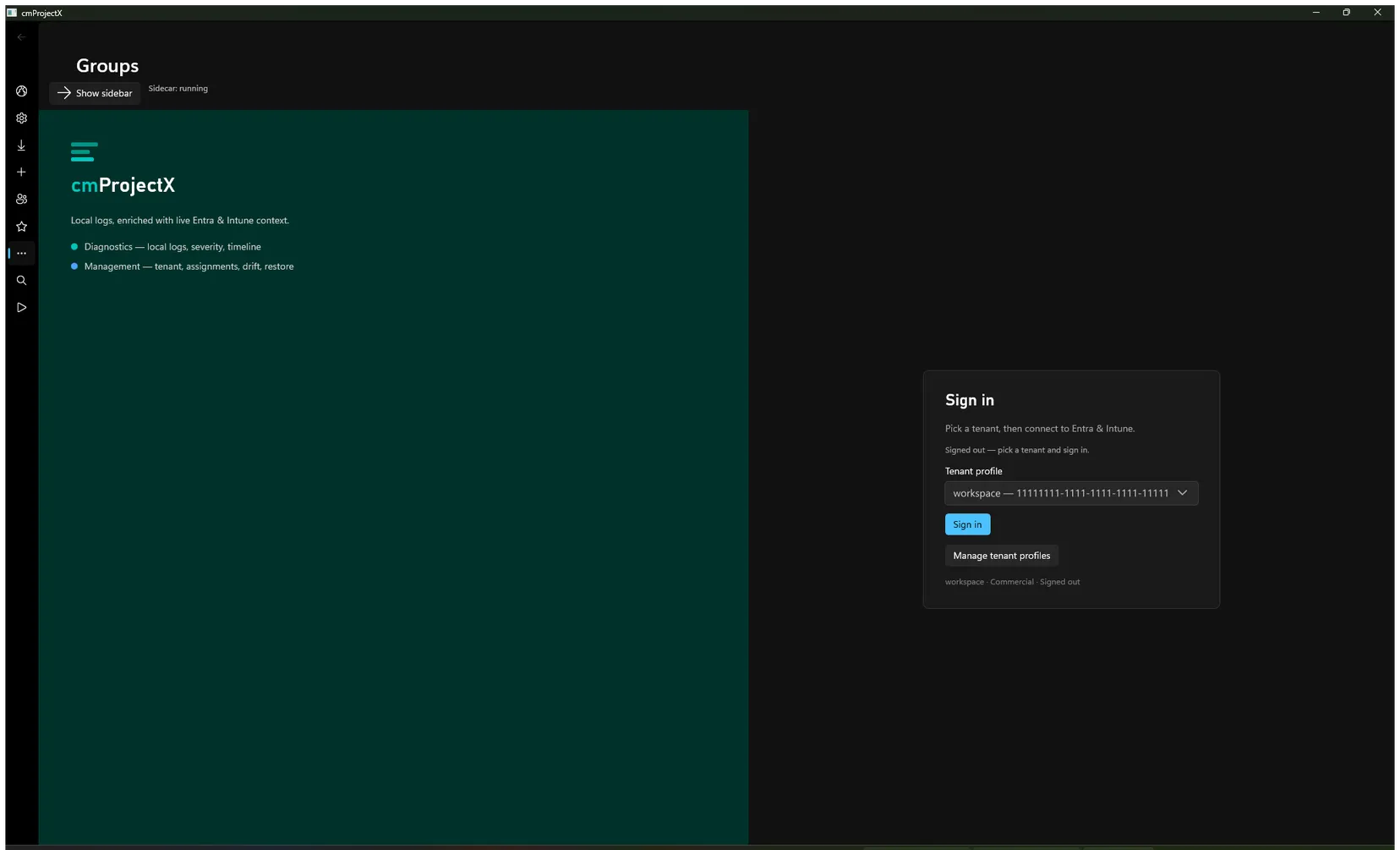
Install & run it
Set up the prerequisites, build the .NET sidecar and the Rust client, and launch it for the first time. → Prerequisites
Sign in to your tenant
Connect to Entra & Intune with a saved tenant profile — silent client-secret or interactive device-code. → How sign-in works