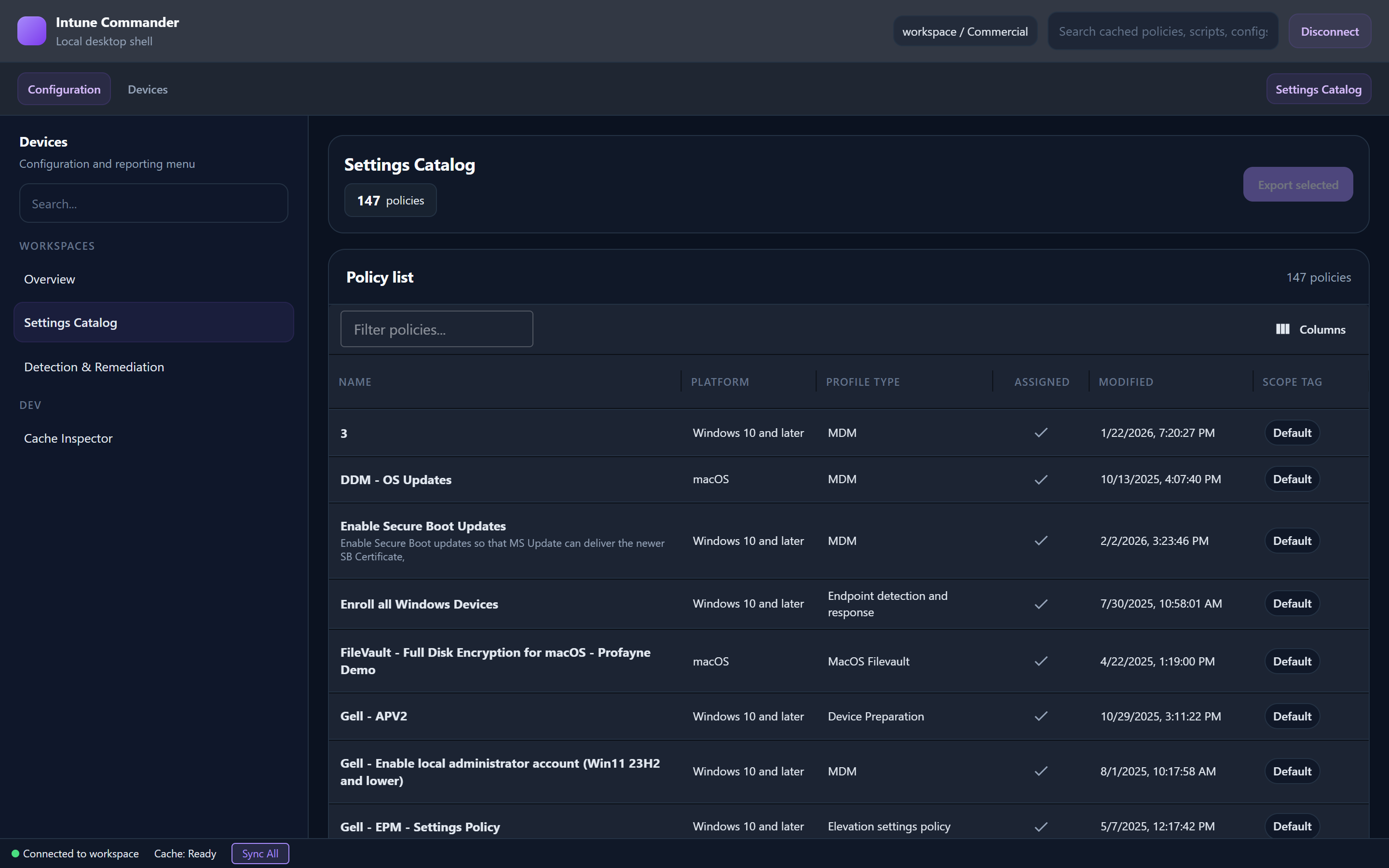
A Windows desktop app for managing Microsoft Intune configurations across Commercial, GCC, GCC-High, and DoD cloud environments. Built with .NET 10.
Free & open source ยท Windows x64
Intune Commander replaces slow PowerShell scripts with a fast, modern desktop application.
Export all your Intune configurations to JSON and import them into any tenant. Compatible with the original IntuneManagement PowerShell format.
Switch seamlessly between Commercial, GCC, GCC-High, and DoD tenants. Separate app registrations per cloud environment are fully supported.
Tenant profiles are stored locally with DataProtection encryption. Your credentials never leave your machine.
Export Conditional Access policies to a comprehensive PowerPoint presentation โ perfect for audits and documentation.
Built on compiled .NET 10 with a React frontend and WebView2. Async-first design eliminates the UI freezes and threading deadlocks common in PowerShell tools.
LiteDB-backed encrypted cache with 24-hour TTL per tenant. Instant navigation after first load โ no repeat API calls.
Whether you manage commercial tenants or classified government environments, Intune Commander has you covered.
Standard Microsoft 365 tenants on graph.microsoft.com
US Government Community Cloud on graph.microsoft.com
US Government High Cloud on graph.microsoft.us
Department of Defense Cloud on dod-graph.microsoft.us
Manage the full breadth of your Intune environment from one application.
Download the latest release or build from source.
Grab the latest self-contained Windows x64 executable from GitHub Releases. No runtime installation required.
Create an Azure AD app registration in your tenant with the required Microsoft Graph delegated permissions. Set the redirect URI to http://localhost:45132.
Launch the app, enter your Tenant ID and Client ID, choose your cloud environment, and save. Sign in with your work account โ you're ready to go.